



“(1)Add a device:
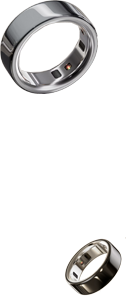
Turn on Bluetooth on your phone, then go to the app’s Home screen or your Profile. Tap “Add Device,” select the device from the list of scanned devices, and once connected, your data will automatically sync to the app.
(2)Trouble tellin”
How do I connect my device?
Add a device:
Turn on Bluetooth on your phone, then go to the app’s Home screen or your Profile. Tap “Add Device,” select the device from the list of scanned devices, and once connected, your data will automatically sync to the app.
Trouble telling multiple devices apart?
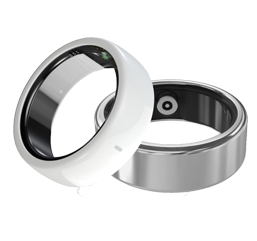
Try charging them! The device that’s currently charging will appear at the top of the list, making it much easier to identify—especially if you have several devices nearby.
Follow us to discover our brand story and explore product details.
Have questions? Drop us a message anytime—we’re happy to help!
Gainye, Gain Yourself.
Your smart companion on the fingertip—attuned to your well-being, aware of your mood, and responsive to every interaction.
© Gainye Smart Ring | 24/7 Sleep, Health & Activity Monito. All Rights Reserved
 简体中文
简体中文
 English